Mobile
Never lose a writing idea again
The AuctorNotes companion app lets you capture ideas, scenes, and character sketches on your phone the moment inspiration strikes — then sync them straight to your project with one tap.

Setup
How it works
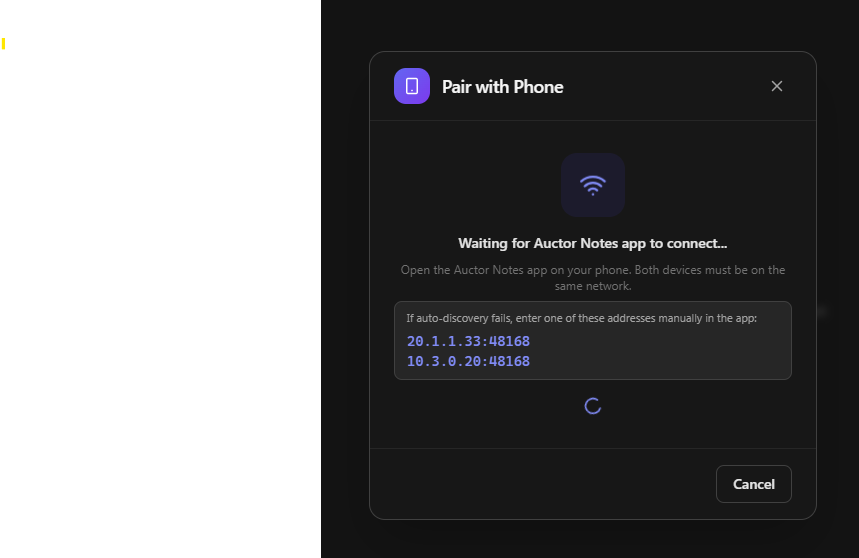
Open Pair with Phone from the toolbar, then connect the AuctorNotes app on your phone. Both devices need to be on the same Wi-Fi network — discovery is automatic, no setup required.
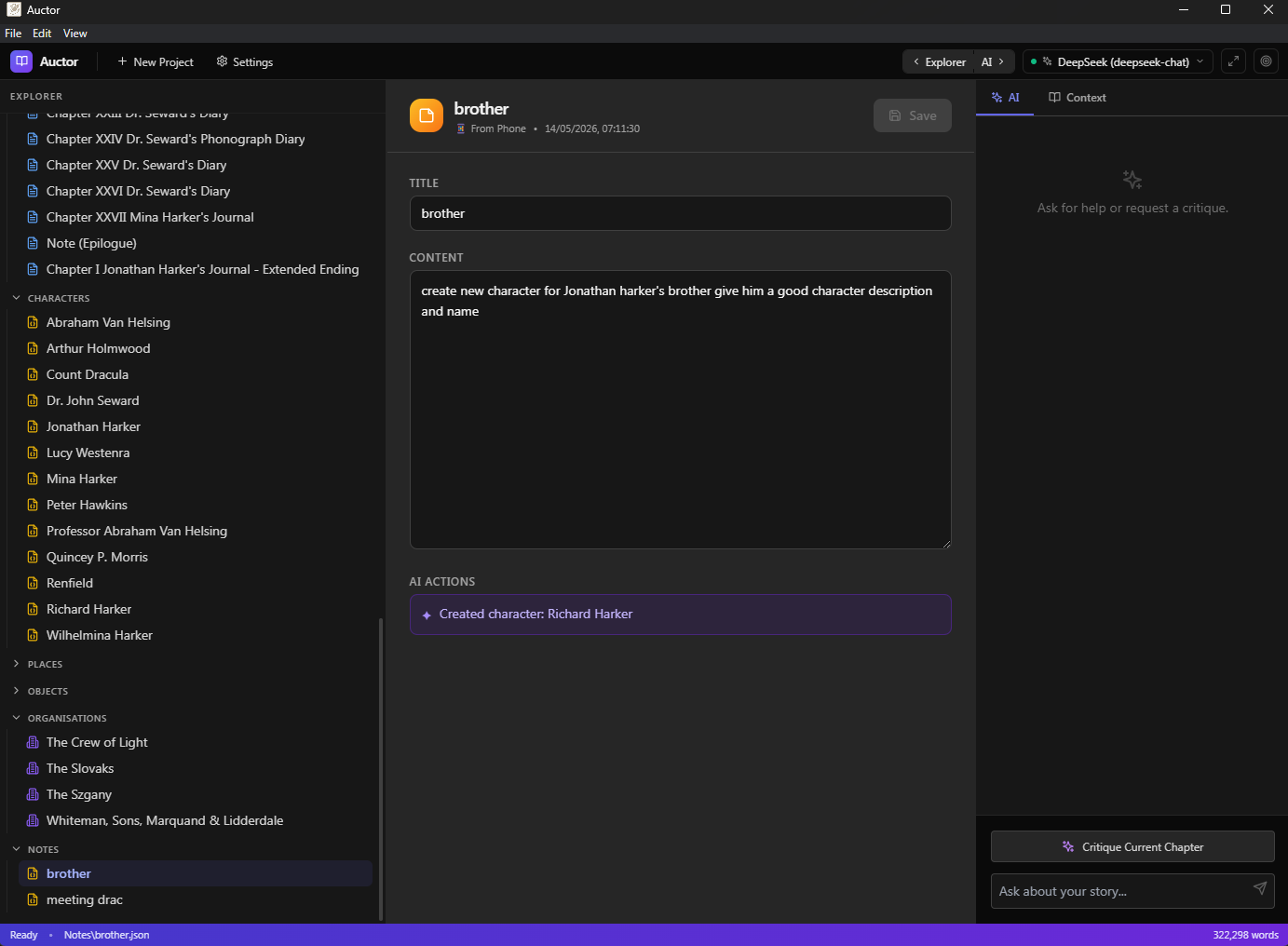
Your notes sync in seconds. Once they arrive, they appear in the Notes section of your project, ready to review — or, if you have AI enabled, ready to be acted on immediately.
AI
Ideas that turn themselves into story
If you have AI enabled, Auctor reads each note and acts on it immediately. You don't need to tell it what kind of note it is — it figures that out for you:
-
A note about a new character?
A character card is created for you, populated with everything you jotted down.
-
Jotted down a vivid description of a new location?
It becomes a place in your worldbuilding, ready to expand and reference.
-
Wrote a few lines of prose for a chapter you're already working on?
They're appended to the right chapter — Auctor matches the content to the most relevant chapter automatically.
-
Sketched out a new scene?
A new chapter draft is waiting when you get back to your desk.
Transparency
See exactly what changed
Every synced note shows an AI Actions log — a clear, readable list of everything Auctor did with that note. No guessing. If it created a character, updated a place, or added to a chapter, you'll see it right there on the note card.
Notes where the AI had nothing to act on are saved as-is, ready for you to review.